

Controlled approvals
An administrator reviews each request before voucher assignment.
PAF OVS makes school internet access simple: choose a package, submit your payment details, and receive credentials after administrator approval.

A serene residential environment for practical learning and personal development.

Peter Akinola Foundation Youth Centre for Industrial Training equips young people with practical skills while nurturing confidence, integrity, and godly values.
PAF OVS supports the Foundation's learning environment with a secure and straightforward way to get online.
An administrator reviews each request before voucher assignment.
Receive credentials in your dashboard and by email after approval.
Request and use vouchers online with no paper handover.
Simple experience for students, staff, and administrators.
 A Peter Akinola Foundation initiative
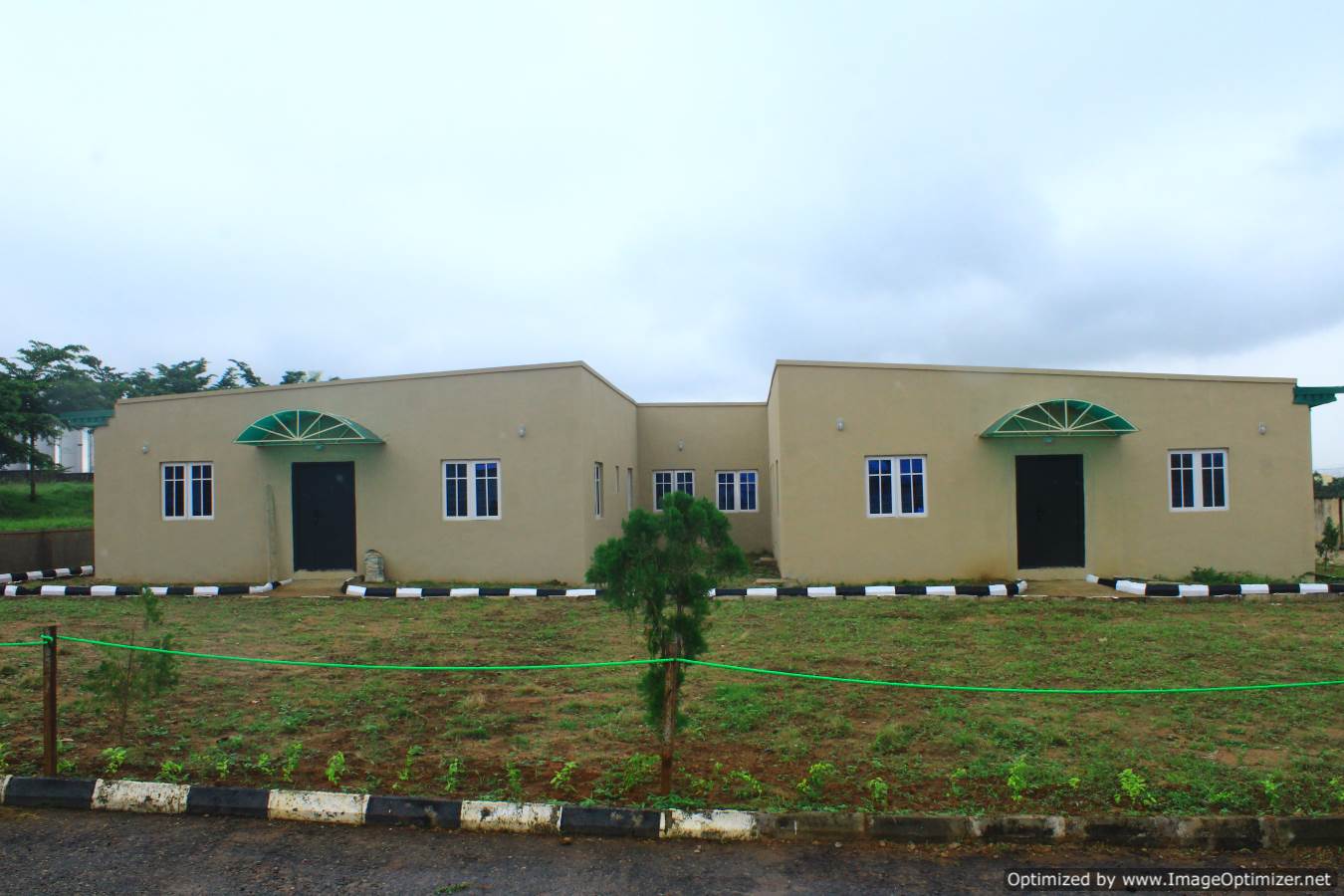
A visual look at one of PAF's initiatives. These supplied photographs show the initiative's facilities, grounds, and rooftop solar installation.


Pick the internet plan that matches your study needs.
Follow the instructions and provide a transaction reference or payment proof.
An administrator verifies the request and assigns available vouchers.
Use the credentials on the MikroTik hotspot portal.
Sign in, choose a package, follow the payment instructions, and submit your reference or proof for administrator review.
Follow the displayed payment instructions, then submit your reference or payment proof for administrator review.
After payment succeeds, the voucher appears on the success page and in your purchase history.
The request remains visible in Transaction History until an administrator approves or rejects it. Contact support if review is delayed.